Calesce — a WooCommerce furniture store
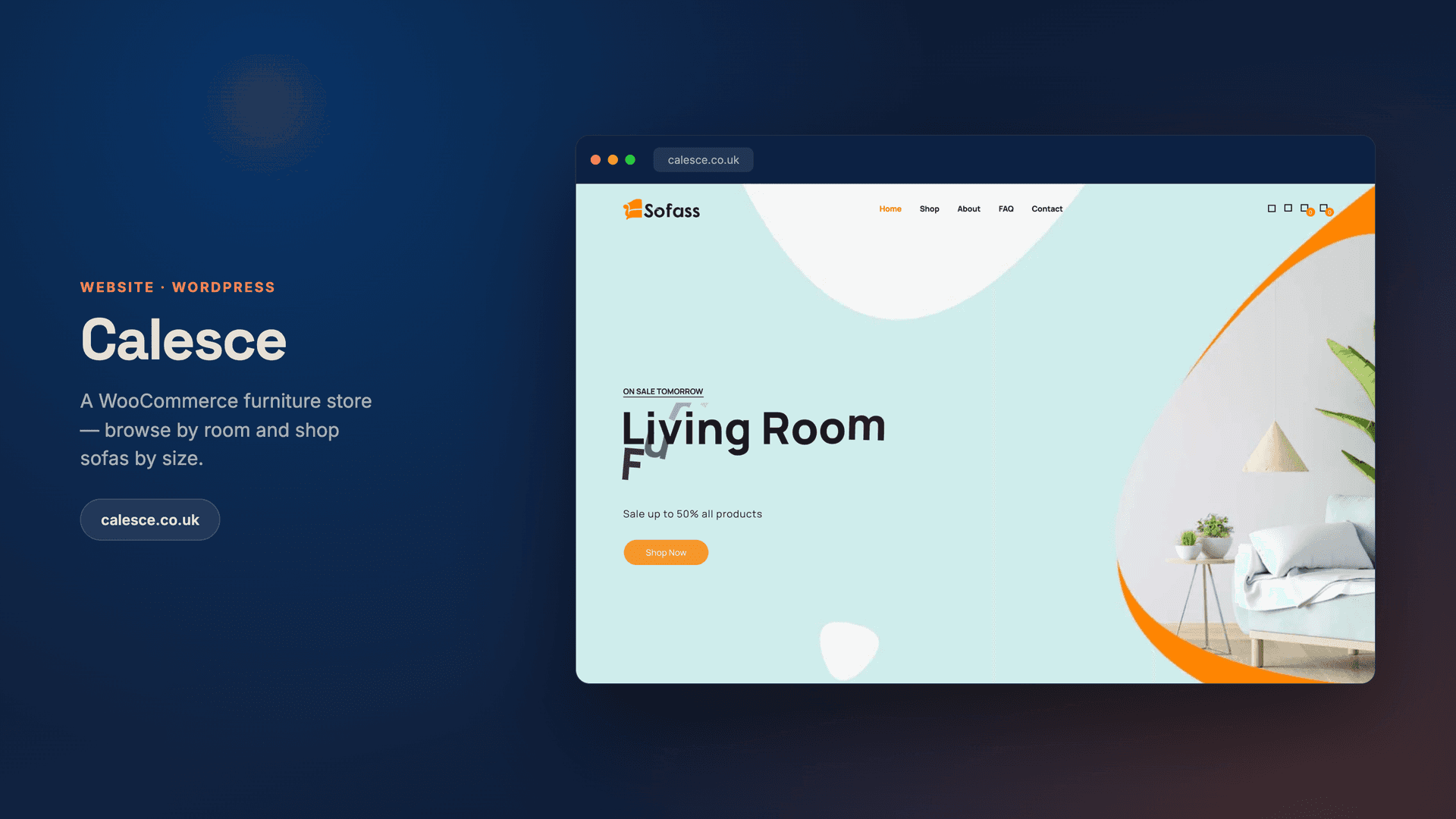
We built calesce.co.uk — a WordPress and WooCommerce furniture store where shoppers browse by room or go straight to a sofa by seat count, with variant-aware product pages, wishlist, accounts and a full checkout. The catalogue is client-managed and lists 32 products today.
The brief
Furniture is browsed by room and by size — the store had to make both effortless, then get people to cart.
Furniture is an awkward thing to sell online, and the awkwardness is all in the browsing rather than the buying. Nobody shops for "a sofa". They shop for a three-seater that will fit a particular wall, or a corner unit for a particular room, and a store that makes them scroll a single undifferentiated grid to find it loses them well before the basket.
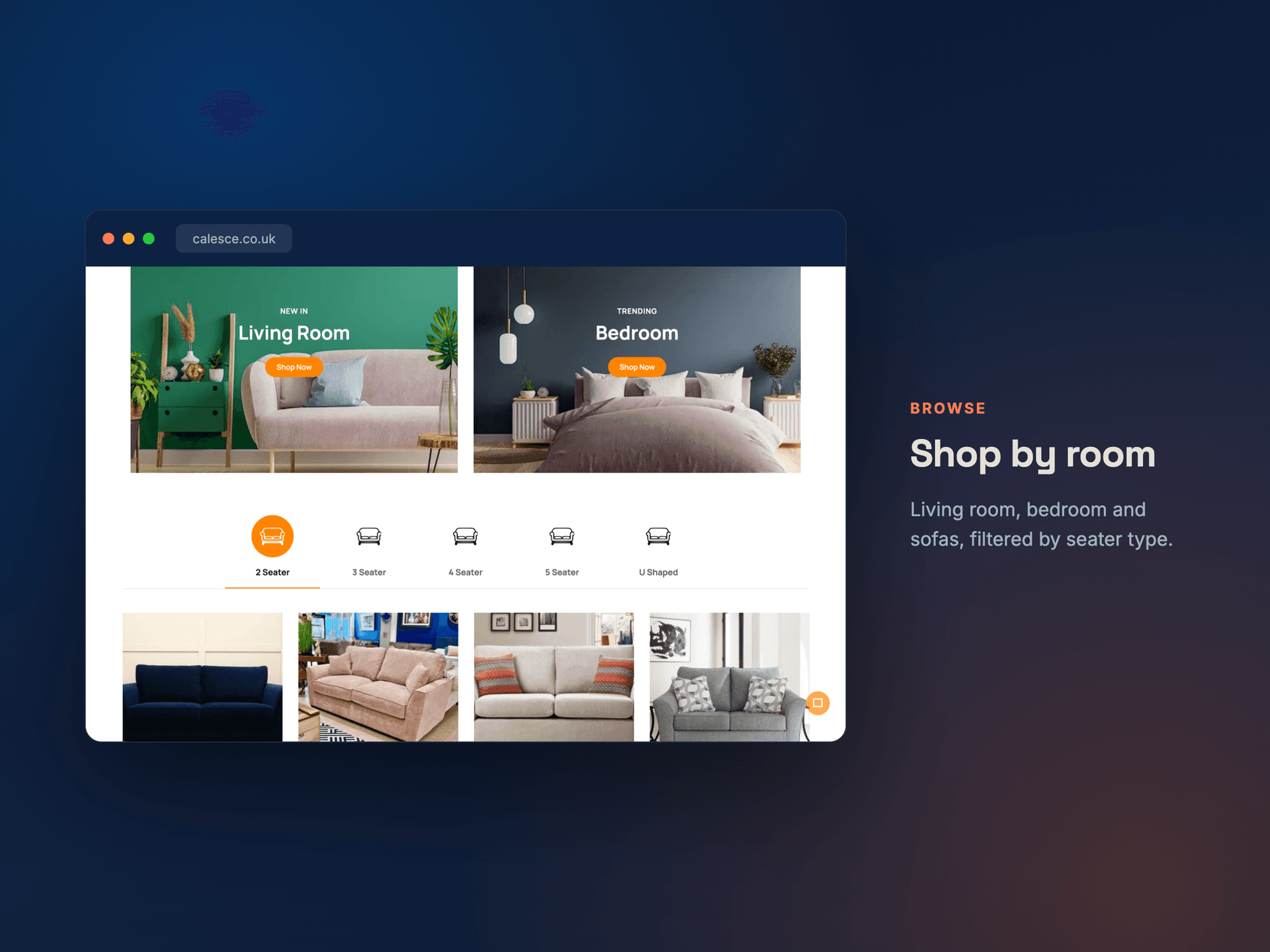
So Calesce needed two routes through the same catalogue at once. A customer who knows the room they are furnishing should be able to start there. A customer who knows they need a four-seater should be able to start there instead, and neither should feel like the afterthought. That is a taxonomy problem before it is a design problem, and getting it wrong is expensive to undo once products are live and indexed.
On top of that, furniture products are variant-heavy — the same frame in different sizes and finishes is one product, not six — and the store had to be something the client could run themselves afterwards, without a developer standing by every time a range changed.
The build
A WordPress and WooCommerce build with the catalogue organised along both axes. Room-based collections carry the browsing customer; a seat-count taxonomy carries the one who already knows what they need — two, three, four and five seater, plus corner and recliner ranges as their own categories. A product that is a four-seater corner sofa appears correctly in both, which is the point: the two routes are views onto one catalogue, not two catalogues to keep in sync.
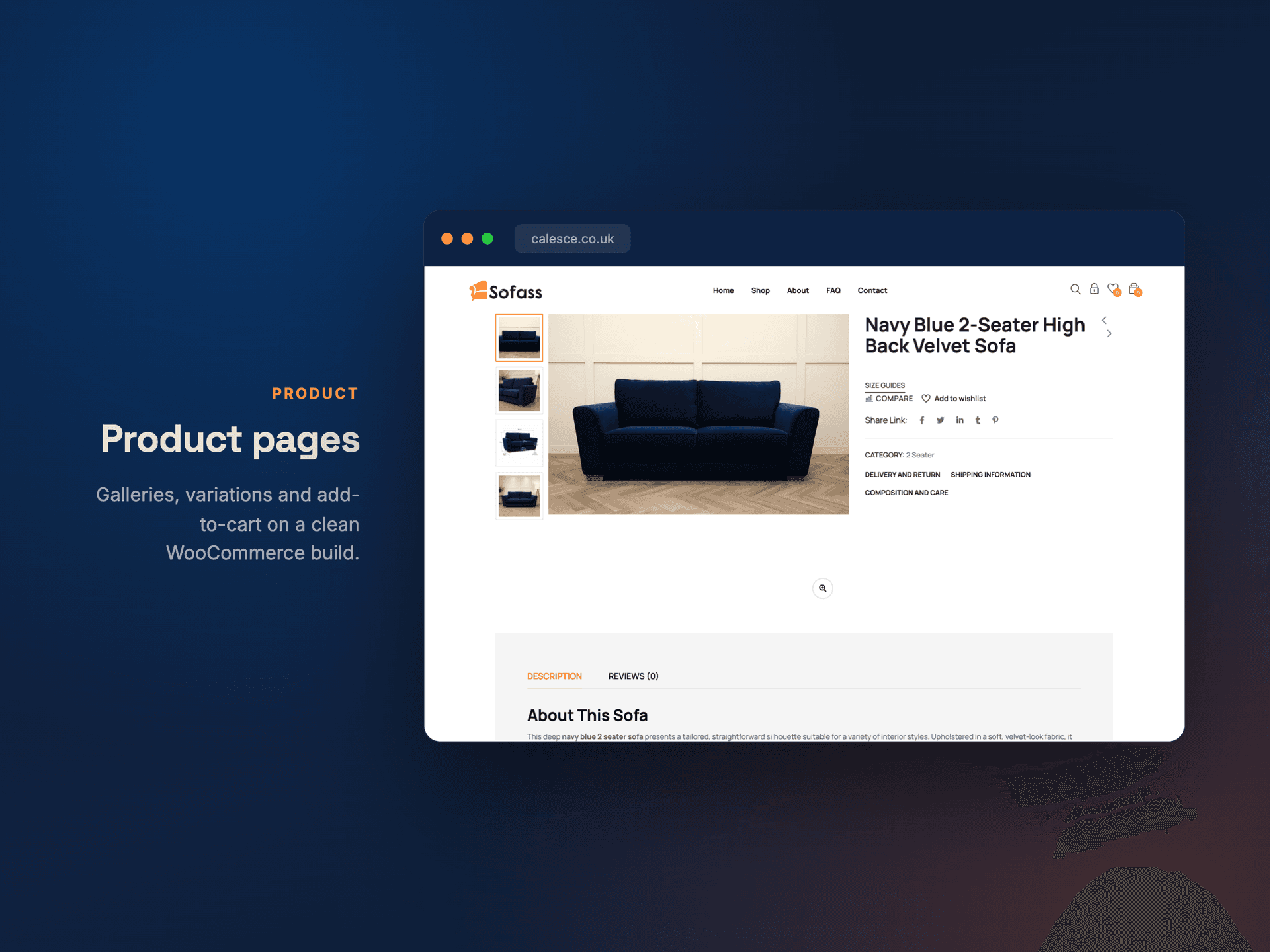
Product pages are variant-aware, so sizes and finishes are options on one page rather than near-duplicate listings competing with each other in search. Wishlist, customer accounts, cart and checkout are the standard WooCommerce flow rather than something bespoke — deliberately, because a checkout is the one part of a store where being unusual has no upside and a maintenance cost that lasts forever.
The store runs on stock WooCommerce with Elementor for layout, which was the explicit trade: the client edits products, prices and pages themselves, and any WordPress developer in Britain can pick it up. It has since grown to 32 products across the sofa ranges without us touching it, which is the outcome that matters — a handover is only real if the client is still shipping changes a year later.
Architecture
Built to browse, built to buy.
Room collections, size filters and rich product pages on WooCommerce.
Build timeline
How we built it.
Design + setup
Brand, layout and WordPress/WooCommerce setup.
Catalogue
The core pages and structure.
Product pages
Detail pages, options and polish.
QA + launch
Mobile QA, a performance pass and launch.
Results · live store
By the numbers.
Tech we used
A small stack.
More build work.
All case studies →

Trusted by teams like yours





The service behind this project
Need the same work?
WordPress & WooCommerce Development for UK Businesses
A WooCommerce and WordPress agency UK owners stop needing: eleven published builds, including a British WooCommerce store the client runs…
WordPress and WooCommerce for US Businesses
A WordPress development agency USA owners can stop paying: sites you edit yourself on a maintainable plugin list, hosting and licences in…
WordPress Development in Pakistan
A WordPress development agency in Pakistan building fast, maintainable sites and WooCommerce stores — plugin budgets and hosting in your…